
How To Track My Car Location Online: GPS Tracking Guide
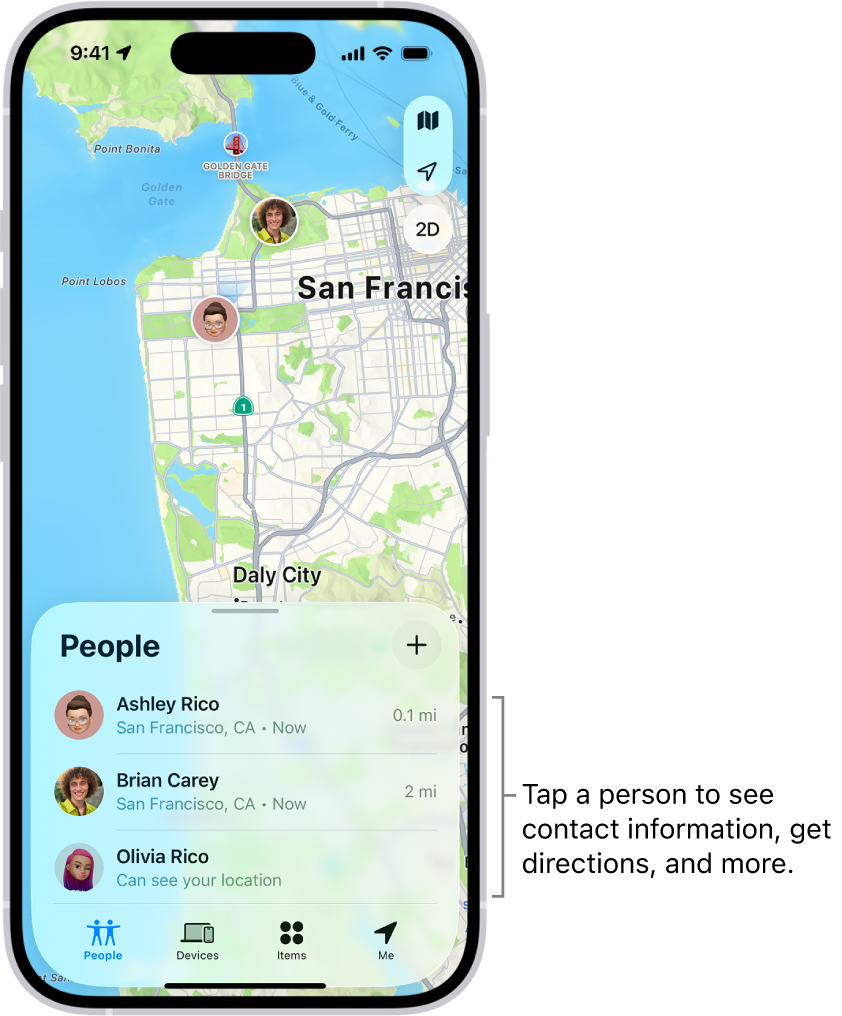
Use your car’s connected app, a consent-based GPS tracker, or a hidden-in-plain-sight Bluetooth tag to view its location online.
Knowing how to track my car location online can bring real peace of mind. It can help you find a parked vehicle, monitor a teen driver, recover a stolen car, or manage a small business fleet. The best method depends on your car, budget, privacy needs, and whether you need live GPS updates or only a last-known location.
This guide explains how online car tracking works, which tools are reliable, what each option costs, and which mistakes to avoid. It also covers legal and privacy rules, since tracking another person’s vehicle without permission can create serious problems.
How to track my car location online
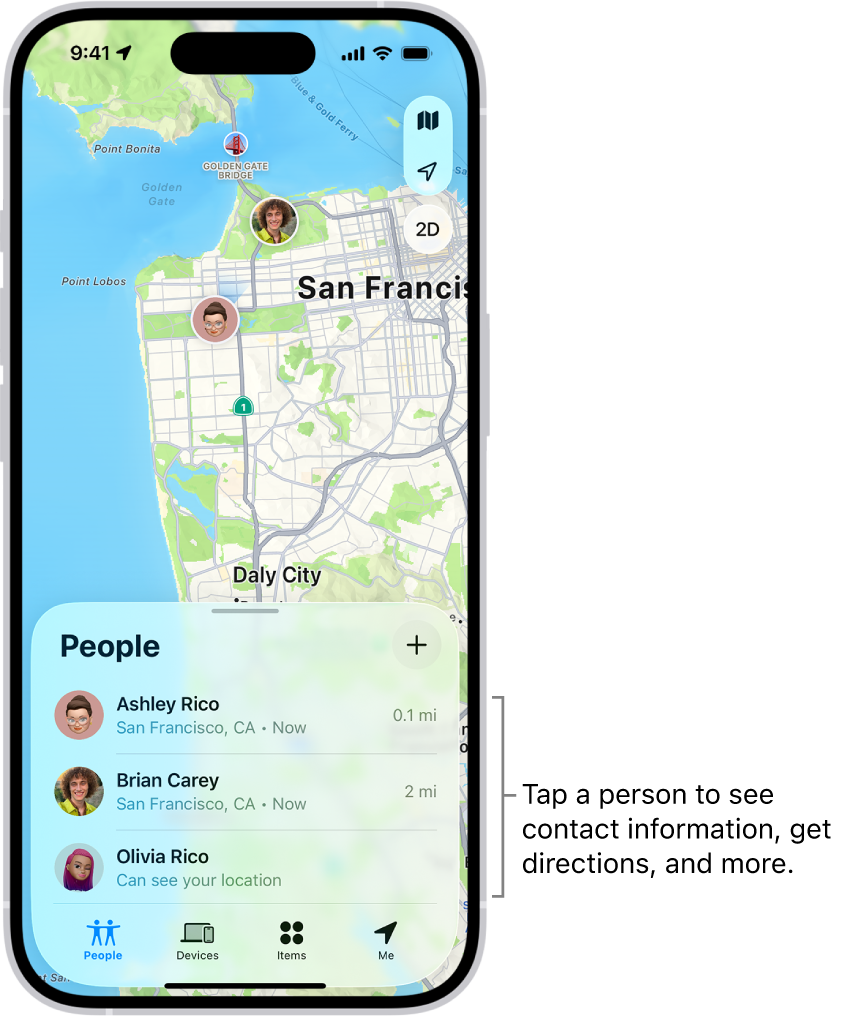
The simplest answer is to use a tracking service that sends your vehicle’s location to a phone app or web dashboard. Most systems use GPS to find the car, a cellular network to send the data, and an app to display the location on a map.
Here are the main ways to track a car online:
• Use the manufacturer’s connected-car app.
• Install a battery-powered or hardwired GPS tracker.
• Plug a GPS device into the car’s OBD-II port.
• Use a Bluetooth item tracker for short-range or last-known location data.
• Use a fleet tracking platform for business vehicles.
Before choosing a method, ask what you need. A parent may want driving alerts and trip history. A car owner may only need recovery help after theft. A company may need mileage, routes, maintenance data, and several user accounts.

Use your car manufacturer’s app
Many newer vehicles include built-in location services. Brands such as Ford, Chevrolet, Toyota, Hyundai, Kia, BMW, Mercedes-Benz, Tesla, and others may offer an official mobile app with vehicle location features.
The exact tools vary by model, trim, country, and subscription plan. Some apps show the car’s current or recent location. Others offer remote lock, fuel level, charging status, trip data, and stolen vehicle support.
To set it up:
-
Download the official app from the Apple App Store or Google Play.
-
Create an account using the email linked to your vehicle purchase or service record.
-
Add your vehicle with the VIN or account details.
-
Complete ownership verification.
-
Turn on location and connected services.
-
Open the map or vehicle location feature.
-
Test the service while your car is parked outdoors.
A common mistake is assuming every connected-car app gives live tracking. Some services update only when the car is parked, turned off, or contacted by the network. Underground garages, weak cellular signals, disabled privacy settings, and an expired subscription can also stop updates.
In my experience testing location features, the official app is usually the cleanest option because it needs no extra hardware. However, it is not always the best choice for older cars or drivers who need frequent, second-by-second updates.

Install a dedicated GPS car tracker
A dedicated GPS tracker is often the most flexible answer for how to track my car location online. The device receives signals from GPS satellites, then sends the location to an online account through a cellular network.
Most trackers include:
• A mobile app and web dashboard
• Live or near-live location updates
• Trip history
• Geofence alerts
• Speed alerts
• Ignition or movement alerts
• Battery or power warnings
• Tamper notifications
Some units plug into the vehicle’s power system. Others use an internal battery that you recharge every few weeks or months. Hardwired trackers are less visible, while portable units are easier to move between vehicles.
When comparing a GPS tracker, check:
• Cellular network coverage in your area
• Update frequency
• Monthly service fees
• Battery life
• Waterproofing
• Installation method
• Theft alerts
• Data storage time
• Customer support
• Cancellation terms
A tracker that updates every 10 seconds may use more battery and cost more than one that updates every few minutes. For a parked car, a five-minute interval may be enough. For a fleet or theft response, faster updates may be worth the cost.

Plug in an OBD-II GPS tracker
An OBD-II tracker connects to the diagnostic port under the dashboard. Most cars made for the United States after 1996 have an OBD-II port, although the port’s location differs by vehicle.
This is one of the easiest ways to start tracking. You plug in the device, download its app, create an account, and follow the setup steps. The tracker then reports location and, in some cases, vehicle health data.
Benefits include:
• Fast installation
• No wiring work
• Access to vehicle data
• Easy removal
• Lower installation cost
Limitations include:
• The device may be easy for a thief to spot and remove.
• It may drain the car battery if poorly designed.
• Some vehicles place the port in an exposed area.
• The tracker may not work during a cellular outage.
• The device can be moved to another vehicle.
If you use this approach for how to track my car location online, secure the device and check it often. A second hidden tracker may be useful for theft recovery, but only when installed lawfully and with proper consent.
Use a Bluetooth tracker for a parked car
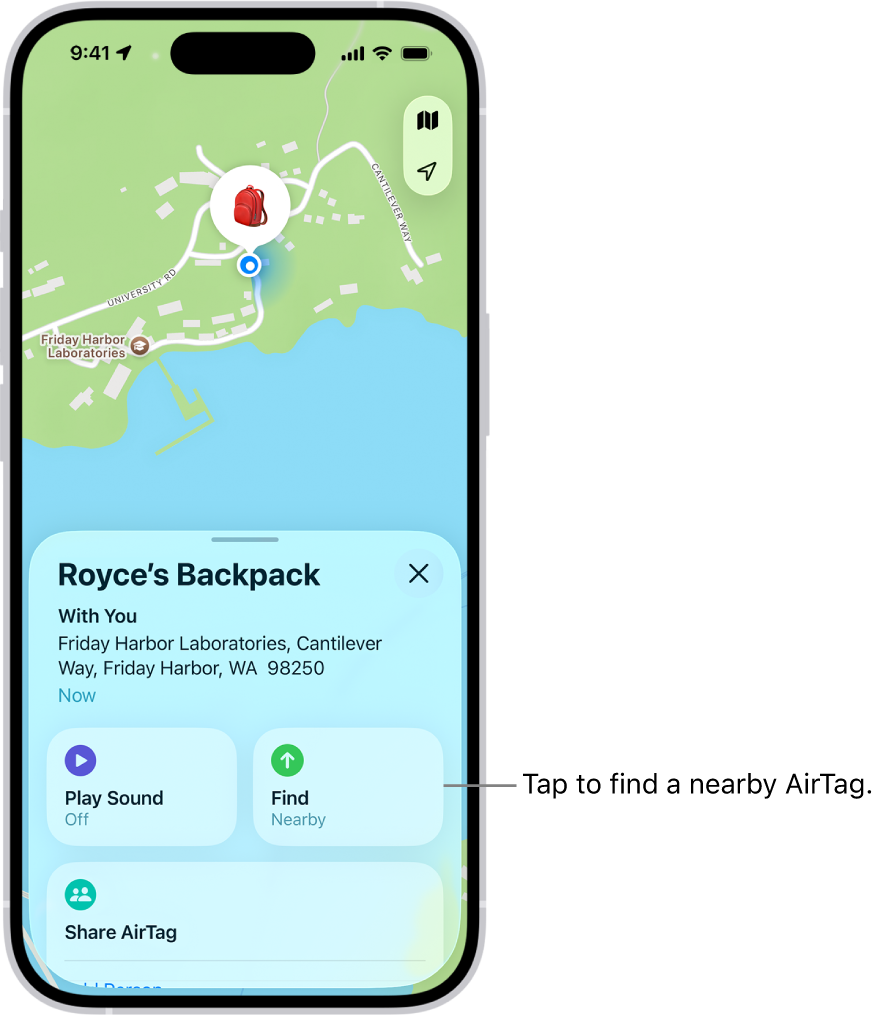
Bluetooth item trackers, such as AirTag-style devices, can help you find a car in a large parking lot. They are small, affordable, and easy to attach to a key ring, console, glove box, or other personal item.
However, a Bluetooth tracker is not the same as a GPS tracker. It does not normally send its own location through a cellular network. Instead, it may use nearby compatible phones to update its last-known position.
This means it works best when:
• The car is in a busy area.
• Nearby devices can detect the tag.
• You need an approximate location.
• You want help finding a parked vehicle.
It is less useful when a car is in a rural area, underground garage, or place with few nearby phones. Modern phones also provide unwanted-tracking alerts, which protect people from being followed without their knowledge.
A Bluetooth tag should not be your only theft-recovery tool. Think of it as a small digital breadcrumb, not a complete vehicle security system.

Track a car through your smartphone
A phone can help you remember where you parked. Apple Maps, Google Maps, and some parking apps can save your parking location after you leave the vehicle.
This method does not track the car if someone drives it away. It simply records where your phone believes you stopped or parked.
To save a parking location:
-
Park the car.
-
Open your preferred map app.
-
Confirm that location services are active.
-
Save or mark the parking spot.
-
Add a note such as “Level 3, blue section.”
This is a free solution for everyday parking. It is useful at airports, stadiums, malls, and large city garages. It does not provide live vehicle tracking, speed data, or theft alerts.

How GPS car tracking works
Understanding the technology makes it easier to choose the right service. A GPS tracker usually relies on three systems.
GPS satellites
The tracker receives signals from satellites orbiting Earth. It uses those signals to estimate latitude, longitude, speed, and time. Tall buildings, tunnels, heavy trees, and indoor parking can reduce accuracy.
Cellular networks
GPS finds the position, but the cellular network sends that information to the provider’s server. Your app then displays it online. If the vehicle has no cellular coverage, the tracker may store the data and upload it later.
Online software
The app or dashboard turns location data into a map. Good platforms also show route history, alerts, geofences, and reports.
GPS accuracy is not perfect. A device may show a point near the vehicle rather than the exact parking space. Weather usually has less effect than buildings, signal blockage, hardware quality, and network coverage.
How to track my car location online after theft
If you believe your car has been stolen, act quickly and avoid confronting anyone yourself. Contact law enforcement first and provide the vehicle identification number, license plate, color, make, model, and last known location.
If your car has a tracking service:
-
Open the official app or tracking dashboard.
-
Take screenshots of the current location and time.
-
Save recent route history if available.
-
Share the information with police.
-
Contact your insurance company.
-
Do not drive to the location on your own.
Some automakers offer stolen vehicle assistance. A connected service may provide location information directly to law enforcement after an identity and theft report are confirmed.
A tracker cannot guarantee recovery. Criminals may remove the device, block signals, place the car indoors, or disable the vehicle’s battery. For this reason, combine tracking with good locks, an alarm, a steering-wheel lock, and safe parking habits.
Set up geofencing and useful alerts
A geofence is a virtual boundary on a map. When the vehicle enters or leaves that area, the tracking system sends an alert.
For example, you could create a geofence around:
• Your home
• A school
• A workplace
• A service center
• A delivery zone
• A state or city boundary
Useful alerts include:
• Vehicle movement
• Ignition turned on
• Speed above a chosen limit
• Hard braking
• Sudden acceleration
• Long idling
• Low battery
• Device unplugged
• Vehicle leaving a set area
Avoid turning on every alert at once. Too many notifications become background noise. Start with movement, geofence, and low-battery alerts. Add speed or driving behavior alerts only when they serve a clear purpose.
Privacy and legal rules for online car tracking
Learning how to track my car location online also means understanding consent. Laws vary by state and situation, but secretly tracking another adult’s movements can violate privacy laws and may lead to civil or criminal penalties.
Use these safer practices:
• Track a vehicle you own or legally control.
• Tell other regular drivers about the tracker.
• Get clear consent when monitoring an employee, partner, roommate, or family member.
• Follow workplace and fleet privacy policies.
• Never place a tracker on someone else’s car without permission.
• Protect account passwords and location records.
• Delete old trip data when you no longer need it.
Parents and guardians may have different rights when tracking a minor, but local law still matters. Employers should provide written notice and explain what data is collected, why it is collected, and who can access it.
Location data is sensitive. Treat it like a house key. Use strong passwords, enable two-factor authentication, and avoid sharing screenshots that reveal home addresses or daily routines.
How much does online car tracking cost?
Costs vary by method and service level.
• Manufacturer app: Often included for a trial period, then charged as a monthly or annual subscription.
• Dedicated GPS tracker: Usually requires hardware plus a monthly cellular service fee.
• OBD-II tracker: Often costs less to install but still needs a data plan.
• Bluetooth tracker: Usually has a one-time hardware cost, though premium features may require a subscription.
• Phone parking feature: Usually free.
Do not judge a tracker only by its purchase price. A cheap device may have weak cellular coverage, poor support, slow updates, or a confusing app. Calculate the full first-year cost, including activation, installation, replacement batteries, taxes, and cancellation fees.
Common tracking problems and simple fixes
Online vehicle tracking can fail for ordinary reasons. Try these checks before replacing the device.
The app shows an old location
Check the tracker’s battery, cellular coverage, subscription status, and last communication time. Move the vehicle outside and allow several minutes for a new update.
The tracker is offline
Confirm that the device is powered. If it uses the OBD-II port, check whether the plug was removed. If it is hardwired, ask a qualified installer to inspect the connection.
The location is inaccurate
Test the tracker outdoors. GPS signals may be weak inside a garage or near tall buildings. Also confirm that the app is showing the correct vehicle and account.
The car battery is low
Some trackers continue drawing power while the car is parked. Use a low-power mode, adjust update frequency, or ask an installer to check the wiring.
Alerts arrive late
Cellular congestion, poor coverage, sleep modes, and server delays can affect alerts. No consumer tracker should be treated as an instant emergency system.
Mistakes to avoid when tracking a car
A few mistakes can reduce accuracy, waste money, or create privacy risks.
• Buying a tracker before checking cellular coverage.
• Assuming Bluetooth tags provide live GPS tracking.
• Hiding a device without telling lawful drivers.
• Ignoring subscription renewal dates.
• Choosing the fastest update rate without considering battery drain.
• Relying on tracking instead of insurance and physical security.
• Sharing login details with too many people.
• Forgetting to remove a tracker before selling the vehicle.
• Failing to test alerts before an emergency happens.
One lesson I have found especially useful is to test every feature on a normal day. Park in your driveway, walk away, trigger a movement alert, and check the route history. A tracker is like a smoke alarm: it is most valuable when you know it works before you need it.
Choosing the best method for your needs
The best way to track a vehicle depends on your goal.
| Goal | Best option |
|---|---|
| Find where you parked | Phone map feature or Bluetooth tag |
| Track a newer connected car | Manufacturer’s app |
| Monitor a personal vehicle | Dedicated GPS tracker |
| Install without tools | OBD-II tracker |
| Manage several vehicles | Fleet tracking platform |
| Recover a stolen car | Dedicated GPS plus official connected service |
| Monitor driving habits | GPS tracker with behavior alerts |
If you want the lowest effort, start with the manufacturer’s app. If you own an older vehicle, choose a reputable GPS tracker with strong coverage and clear pricing. If you run a business, select a fleet system that supports user permissions, reports, and data retention controls.
Frequently asked questions about how to track my car location online
Can I track my car online without installing a device?
Yes, if your vehicle has a built-in connected service that reports its location through the manufacturer’s app. Without built-in connectivity or a separate tracker, you can usually save only your parked location rather than follow the car in real time.
Can I track my car by its VIN?
No. A VIN identifies a vehicle, but it does not provide a live location. Location data comes from a connected vehicle system, GPS tracker, fleet platform, or law enforcement database.
Can I track my car if it is turned off?
Many GPS trackers can report a parked vehicle’s location while using a low-power mode. The update frequency may slow down, and a tracker with no battery backup may stop working if the car battery is disconnected.
Is it legal to put a GPS tracker on a car?
It is generally safest to track a vehicle you own or control and to inform regular drivers. Laws differ by location, so get consent and review local rules before tracking another person or an employee.
Will a GPS tracker work in an underground garage?
It may show the last location received before the vehicle entered the garage. GPS and cellular signals can be weak underground, so the tracker may update after the car returns to an open area.
How accurate is online car tracking?
Many systems can identify the vehicle’s general position, but accuracy varies with signal strength, buildings, hardware, and update timing. It may not identify the exact parking space or lane.
Can a tracker help recover a stolen car?
It can provide useful location information to law enforcement, but recovery is not guaranteed. Do not approach a suspected thief; share the tracker’s data with police instead.
Conclusion
The right answer to how to track my car location online depends on your vehicle and goal. A manufacturer app is convenient for newer cars, while a dedicated GPS tracker offers stronger control, alerts, and trip history. Bluetooth tags and phone apps work well for finding a parked car, but they are not replacements for live GPS tracking.
Choose a reputable system, confirm cellular coverage, test it before you need it, and respect every driver’s privacy. Start by checking your car’s official app, then compare a few GPS trackers based on update speed, battery use, price, and support. Explore trusted vehicle security resources, and share your experience or questions in the comments.