
How To Clean Car Touchscreen: Easy Safe Cleaning Guide
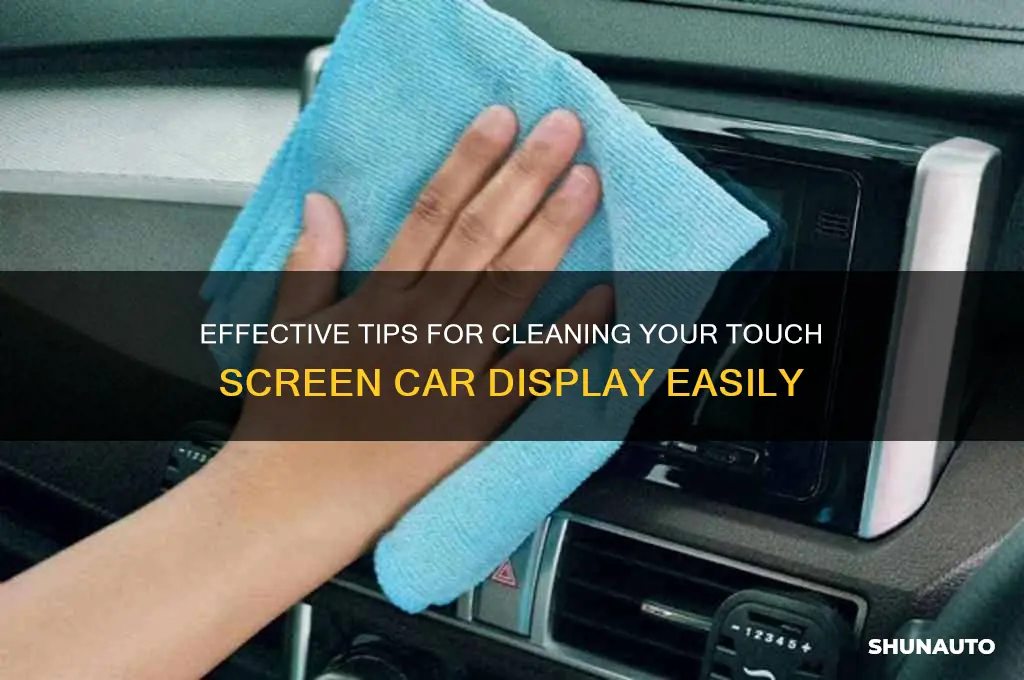
A car touchscreen is best cleaned with the vehicle parked, the display turned off, and a clean microfiber cloth that is only slightly damp. Wipe gently in straight lines. Do not spray liquid on the screen, press hard, or use glass cleaner unless the vehicle owner’s manual says it is safe.
This method works for most cars and trucks sold in the United States, including systems used for navigation, music, climate control, and Apple CarPlay or Android Auto. The exact coating and cleaning rules can vary by automaker, so check the manual for your specific vehicle before using any liquid or chemical.
Key Takeaways
- Park the vehicle and turn off the touchscreen before cleaning.
- Use a clean, soft microfiber cloth.
- Start with a dry cloth. Add a small amount of water only if needed.
- Never spray cleaner directly on the display.
- Avoid paper towels, abrasive cloths, ammonia, bleach, and harsh solvents.
- Use a second dry microfiber cloth to remove streaks.
- If the screen remains cloudy, cracked, sticky, or unresponsive, stop cleaning and seek service.

What You Need to Clean a Car Touchscreen
You need very few supplies. In most cases, a dry microfiber cloth is enough to remove dust, fingerprints, and light smudges.
Recommended supplies
- Two clean, soft microfiber cloths
- Distilled water or clean water
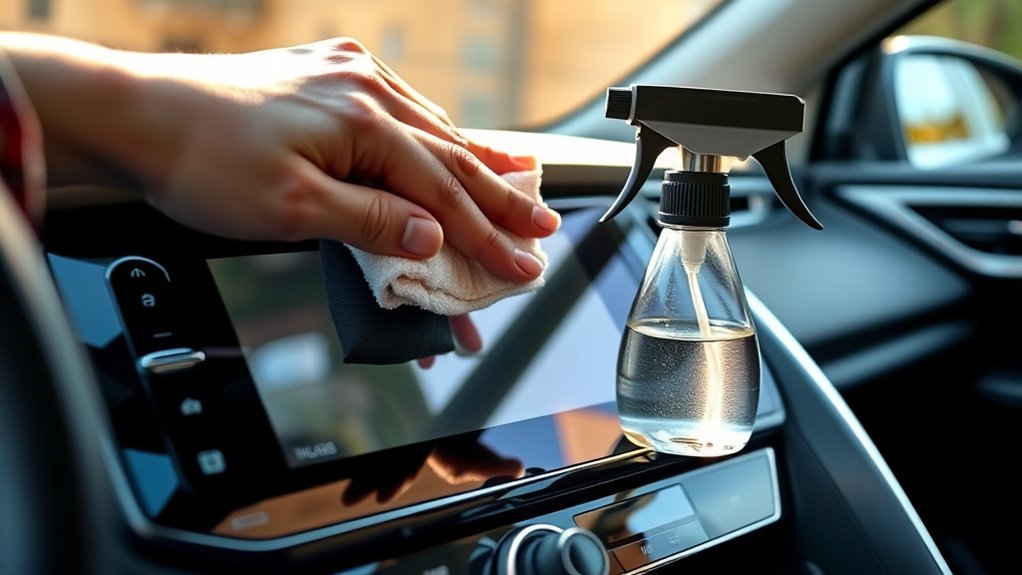
- A small spray bottle, used only to dampen the cloth
- A soft detailing brush for seams and buttons
- Your vehicle owner’s manual
Use one microfiber cloth for the first wipe and a fresh, dry cloth for the final polish. A cloth used on tires, dashboards, or dusty surfaces may hold grit that can scratch the display.
What to avoid
Do not use the following unless your automaker specifically approves them:
- Paper towels or tissues
- Household glass cleaner
- Ammonia-based cleaner
- Bleach
- Acetone or nail-polish remover
- Strong solvents
- Abrasive pads
- Rough shop towels
- Furniture polish
- Compressed air aimed at screen edges
Many automotive touchscreens have an anti-glare or anti-fingerprint coating. Harsh chemicals can weaken that coating, leave a cloudy film, or cause permanent surface damage.

How to Clean a Car Touchscreen Step by Step
Follow this order to reduce the chance of scratches, streaks, or liquid damage.
1. Park safely
Park on a level surface, set the parking brake, and turn off the vehicle. Never clean the touchscreen while driving or while the vehicle is moving.
A powered-off screen also makes fingerprints and dust easier to see. If the display is warm from direct sun, wait until it cools. A hot screen can dry moisture too fast and leave marks.
2. Remove loose dust
Use a dry microfiber cloth to lift dust from the screen. Do not rub hard at this stage. Loose grit can act like fine sandpaper when pushed across the display.
Wipe around the screen edges with a soft detailing brush. Keep the brush away from gaps where dust could fall into the dashboard.
3. Wipe with a dry microfiber cloth
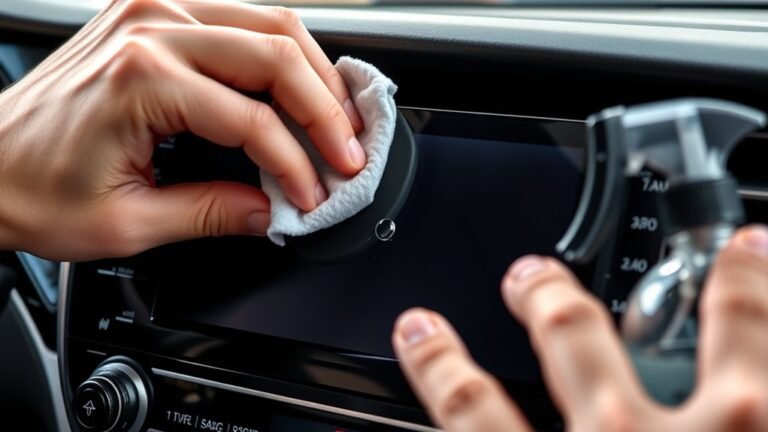
Fold the cloth into a flat pad. Use light pressure and wipe from one side of the screen to the other.
Straight, overlapping passes are usually better than fast circular rubbing. They make it easier to see where you have already cleaned and help prevent streaks.
4. Dampen the cloth if marks remain
If fingerprints or dried spots remain, lightly dampen a corner of a clean microfiber cloth with water. The cloth should feel damp, not wet.
Never pour water on the display. Never spray a cleaner directly on the touchscreen. Liquid can run into the bezel, speaker openings, control knobs, or dashboard seams.
5. Wipe the display gently
Use the damp section of the cloth to clean one small area at a time. Keep the pressure light. Let the moisture loosen the mark rather than scrubbing it away.
For a sticky spot, hold the damp cloth over the area for a few seconds. Then wipe gently. Do not use a fingernail, card, blade, or hard plastic tool to scrape the spot.
6. Dry and buff the screen
Use a second, dry microfiber cloth to remove moisture and streaks. Check the display from different angles before turning it back on.
If you see lint, switch to another clean part of the cloth. Do not keep rubbing with a cloth that has collected dust.
7. Clean the surrounding controls
Wipe the bezel, knobs, and nearby trim with a separate cloth. Use less moisture around seams and openings.
If the touchscreen has physical buttons, do not force liquid into the gaps. A slightly damp cotton swab can help clean a narrow edge, but it should not be wet enough to drip.
Signs that you cleaned it correctly
- Free of visible fingerprints
- Dry to the touch
- Clear when viewed from an angle
- Free of lint and streaks
- Responsive when turned back on
If the screen becomes unresponsive after cleaning, wait until it is fully dry. If the problem continues, turn the vehicle off and consult the owner’s manual or a qualified service center.

How to Remove Tough Fingerprints, Grease, and Sticky Spots
Most marks can be removed with a damp microfiber cloth. The key is to soften the mark without using a harsh chemical.
Fingerprints and skin oil
Use a dry microfiber cloth first. If oil remains, dampen the cloth slightly with water and wipe the area with light pressure.
A clean cloth matters. A dirty cloth can spread skin oil across the screen and make the surface look worse.
Food, drink, or sugary residue
Turn off the display. Dampen a microfiber cloth with water and press it gently against the residue for a few seconds. Wipe in short, gentle passes.
Use a second damp section of the cloth if the first area becomes sticky. Finish with a dry cloth. If liquid has entered the edge of the screen, stop and allow the area to dry before using the system.
Sunscreen or lotion
Sunscreen and hand lotion may need more than one pass. Use a damp microfiber cloth, but do not increase pressure or switch to a harsh cleaner without checking the vehicle manual.
If the screen still feels oily, clean it again with a fresh cloth. Reusing the same oily cloth can spread the residue.
Permanent marks or cloudy areas
A mark that does not change after careful cleaning may not be dirt. It could be:
- Damage to the anti-glare coating
- A scratch
- Moisture beneath the display surface
- A damaged screen protector
- Adhesive residue
- Heat or sunlight damage
Do not keep scrubbing. More rubbing can make coating damage worse. A dealer or automotive electronics technician can help identify the problem.
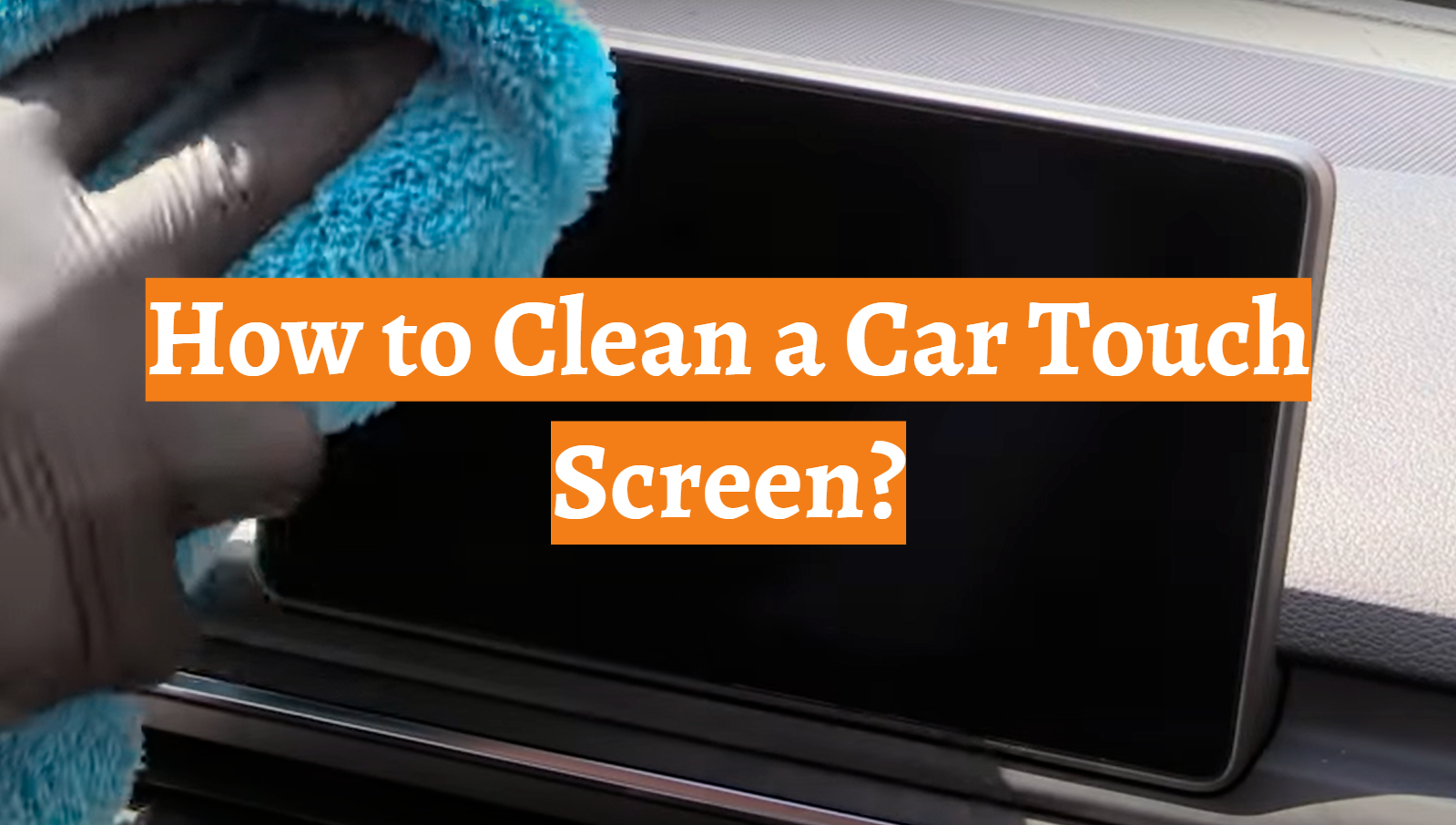
Should You Use Screen Cleaner or Rubbing Alcohol?
Use only a cleaner approved by your vehicle manufacturer. There is no single cleaner that is safe for every car touchscreen.
Some electronics makers permit specific screen-cleaning products or diluted alcohol wipes for certain displays. That does not mean the same product is safe for every automotive screen. Automotive infotainment systems may use different coatings, plastics, or protective films.
Before using a commercial screen cleaner:
- Read the vehicle owner’s manual.
- Check the cleaner label for display compatibility.
- Test it on a small, hidden area if the manual permits testing.
- Apply it to the cloth, never directly to the screen.
- Stop if the surface becomes cloudy, tacky, or discolored.
Avoid assuming that a product labeled “streak-free” or “safe for glass” is safe for a car touchscreen. A touchscreen may have a plastic surface or a special coating rather than ordinary household glass.
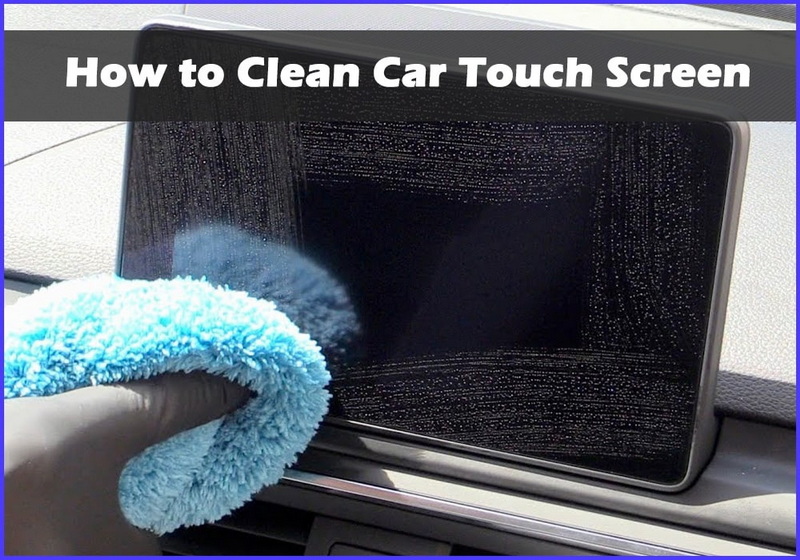
Common Mistakes That Can Damage a Car Touchscreen
Small habits can cause avoidable damage. These are the most common problems to avoid.
Spraying cleaner directly on the screen
Direct spraying creates excess liquid. The cleaner may run into the screen edge, controls, vents, or dashboard electronics.
Spray or pour nothing on the display. Dampen the cloth instead.
Using a paper towel
Paper towels can leave lint and may contain rough fibers. When combined with dust or grit, they can create fine scratches.
A clean microfiber cloth is a safer choice.
Cleaning with the vehicle turned on
A powered screen may react to accidental touches. You may also change a setting, open a menu, or activate a feature while wiping.
Turning the display off makes cleaning safer and easier.
Pressing hard
Hard pressure will not remove a mark that needs moisture. It can stress the display or damage its surface coating.
Use time and a damp cloth instead of force.
Using the same cloth for the whole car
A cloth used on exterior paint, wheels, or a dusty dashboard can transfer grit to the screen. Keep screen cloths separate and wash them without fabric softener, which can leave a film.
Cleaning in direct sunlight
Sunlight can heat the screen and make water evaporate unevenly. It also makes streaks harder to judge.
Clean in shade or inside a cool garage when possible.
Placing a phone or mount against the display
A phone mount, cable, or dashboard accessory can rub against the screen and create marks. Keep hard objects away from the display surface.
How Often Should You Clean a Car Touchscreen?
Clean the touchscreen when fingerprints or dust become visible rather than following a strict calendar. For many drivers, a light wipe once or twice a week is enough.
A vehicle used by several people may need more frequent cleaning. The same is true for cars used by children, rideshare drivers, or people who apply hand lotion or sunscreen before driving.
A useful routine is:
- Daily: Wipe the screen if it has heavy fingerprints.
- Weekly: Remove dust from the display and surrounding controls.
- Monthly: Clean the bezel, seams, and nearby trim with care.
- As needed: Remove spills soon after they occur.
Do not clean more often than needed with chemicals. Frequent dry wiping with a gritty cloth can also cause wear.
What to Do If the Touchscreen Still Looks Dirty
If cleaning does not fix the appearance, identify whether the problem is on the surface or below it.
If the screen is streaky
Use a fresh, dry microfiber cloth. The streaks may come from too much water, cleaner residue, or a cloth that contains fabric softener.
If the screen feels sticky
Dampen a clean cloth with water and make another gentle pass. Do not scrape the surface. If the stickiness remains, check the owner’s manual before using any approved display cleaner.
If the screen is cloudy
Stop rubbing. Cloudiness can indicate coating damage, chemical damage, moisture, or a damaged screen protector.
If the screen is not responding
Wait until the screen is completely dry. Then restart the vehicle according to the owner’s manual. Do not remove dashboard panels or disconnect vehicle batteries unless the manual specifically directs you and you understand the risks.
If the display remains unresponsive, contact the automaker, dealer, or a qualified automotive electronics technician.
If the screen is cracked
Do not apply liquid to a cracked display. Moisture can enter the damaged area. Arrange service and avoid pressing on the crack.
Frequently Asked Questions
Can I use Windex on my car touchscreen?
Usually, you should avoid household glass cleaner unless the vehicle manufacturer specifically approves it. Some glass cleaners contain ammonia or other chemicals that may damage plastic surfaces or anti-glare coatings.
Can I use a wet wipe on a car touchscreen?
Only use a wet wipe if the vehicle manual and the wipe label confirm that it is safe for that type of display. Many disinfecting wipes contain alcohol or other chemicals that may affect screen coatings. A slightly damp microfiber cloth is the safer general option.
Can I use a Magic Eraser on a touchscreen?
No. A Magic Eraser is abrasive. It can scratch the display or remove its protective coating.
Can I clean a touchscreen while it is on?
You can physically wipe it, but turning it off is safer. A powered display may register accidental touches, and a dark screen makes smudges easier to see.
How do I clean dust from the edge of the screen?
Use a dry, soft detailing brush or a dry microfiber corner. Work away from the screen opening. Do not push dust into the bezel, and do not spray compressed air into the edge.
What is the best cloth for cleaning a car touchscreen?
A clean, soft microfiber cloth made for screens or delicate surfaces is the best general choice. Use a separate cloth from the one used on wheels, tires, or gritty exterior surfaces.

Final Recommendation
To clean a car touchscreen, park the vehicle, turn off the display, and remove dust with a clean microfiber cloth. If marks remain, use a cloth that is barely damp with water, then dry the screen with a second cloth.
Do not spray liquid on the display or use household glass cleaner, abrasive tools, or harsh chemicals without approval from the vehicle manufacturer. When cleaning does not remove a cloudy area, sticky film, crack, or display fault, treat it as possible surface or electronic damage rather than a stain and arrange professional service.