
How To Clean Car Screen Display: Easy Safe Guide
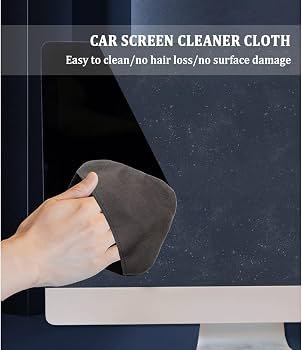
Clean your car screen display with a soft microfiber cloth, mild cleaner, and almost no pressure.
A car touchscreen collects dust, fingerprints, skin oils, and food marks every day. Learning how to clean car screen display surfaces the right way helps keep the image clear, protects the touch layer, and prevents small scratches from becoming a costly repair. This guide explains safe tools, simple steps, common mistakes, and care tips for nearly every modern vehicle screen.
Why a Clean Car Screen Matters
Your infotainment display is more than a piece of glass. It may include an anti-glare coating, touch sensors, plastic trim, and a protective layer that can react badly to harsh chemicals.
A dirty screen can make maps and menus harder to see. Greasy marks can also make the display feel slow or uneven when you tap it. In bright sunlight, even a thin film of oil can create distracting glare.
Knowing how to clean car screen display surfaces also helps protect your investment. A replacement screen can cost hundreds or even thousands of dollars, depending on the vehicle and its built-in features.
The safest approach is simple:
• Remove loose dust before wiping.
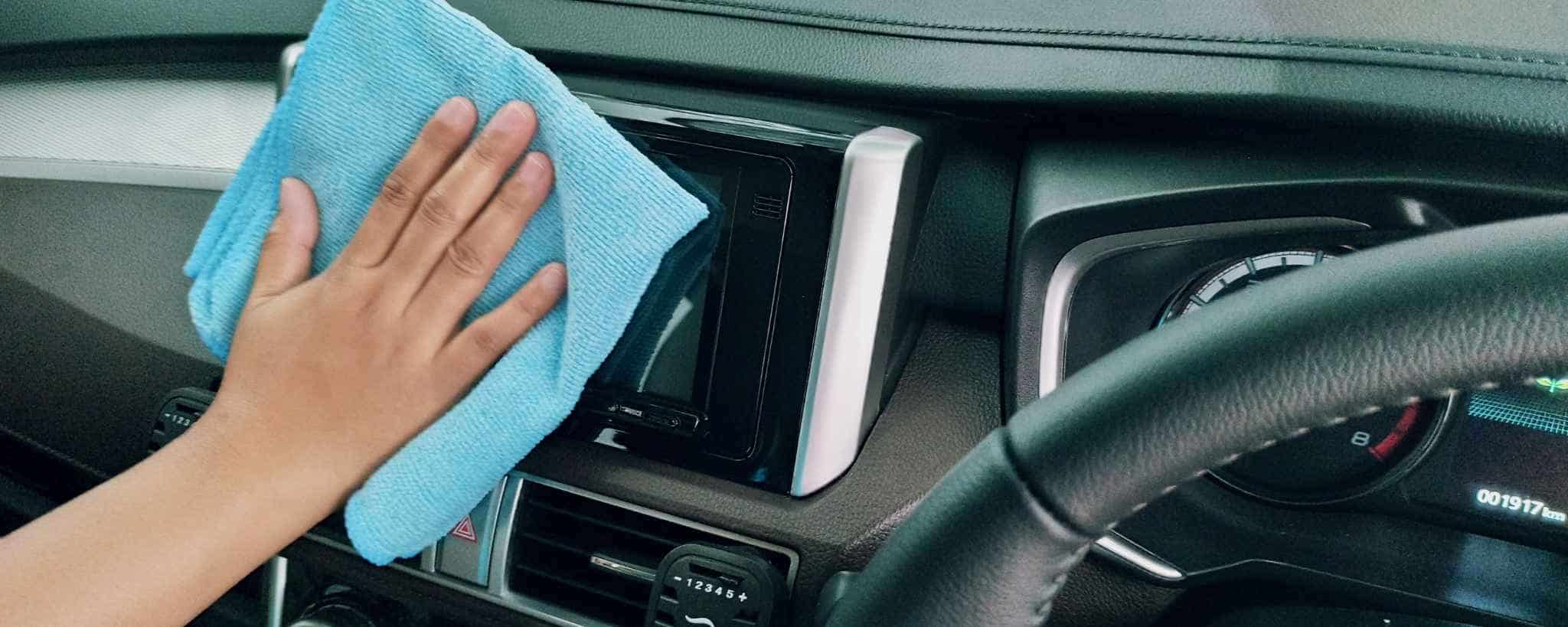
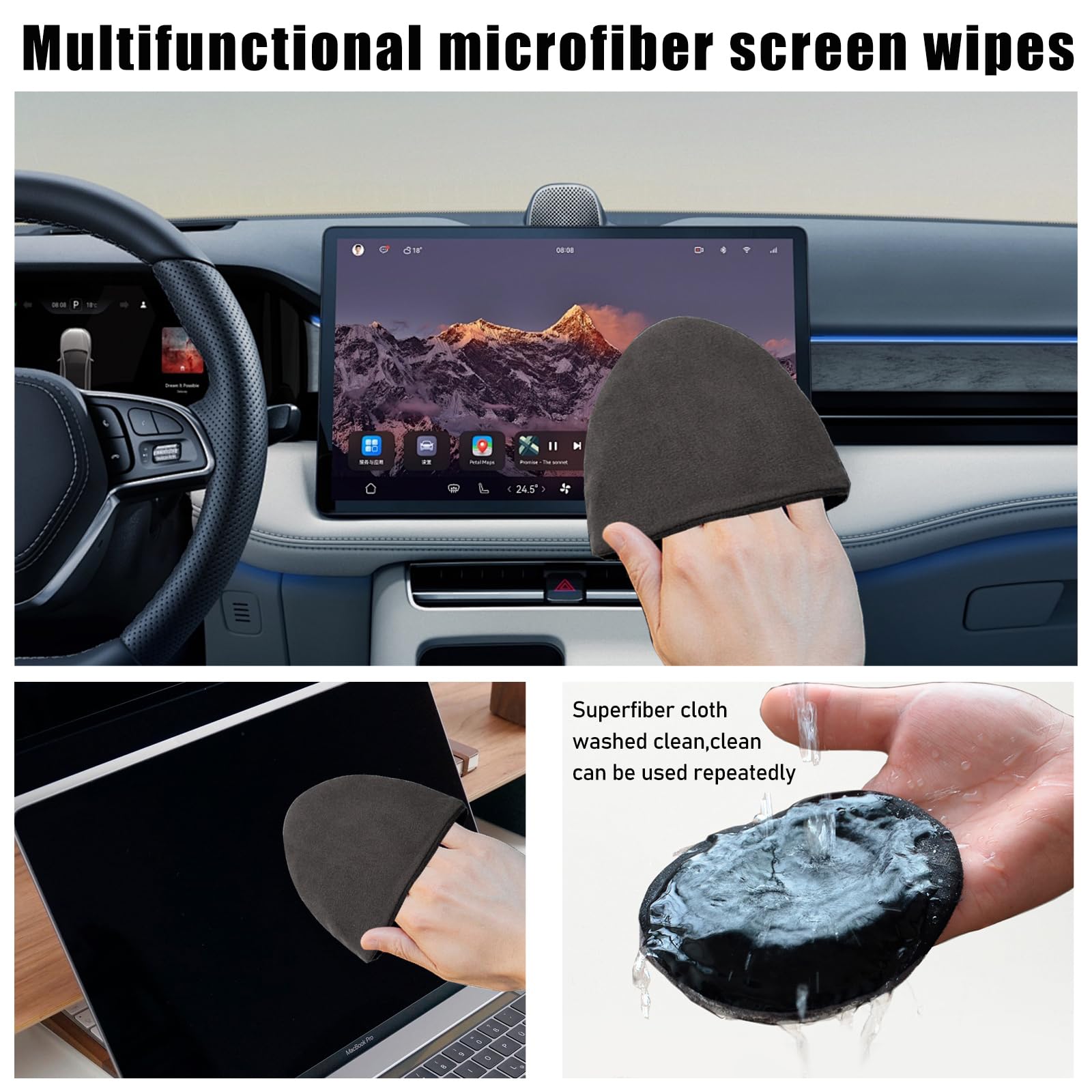
• Use a clean, soft microfiber cloth.
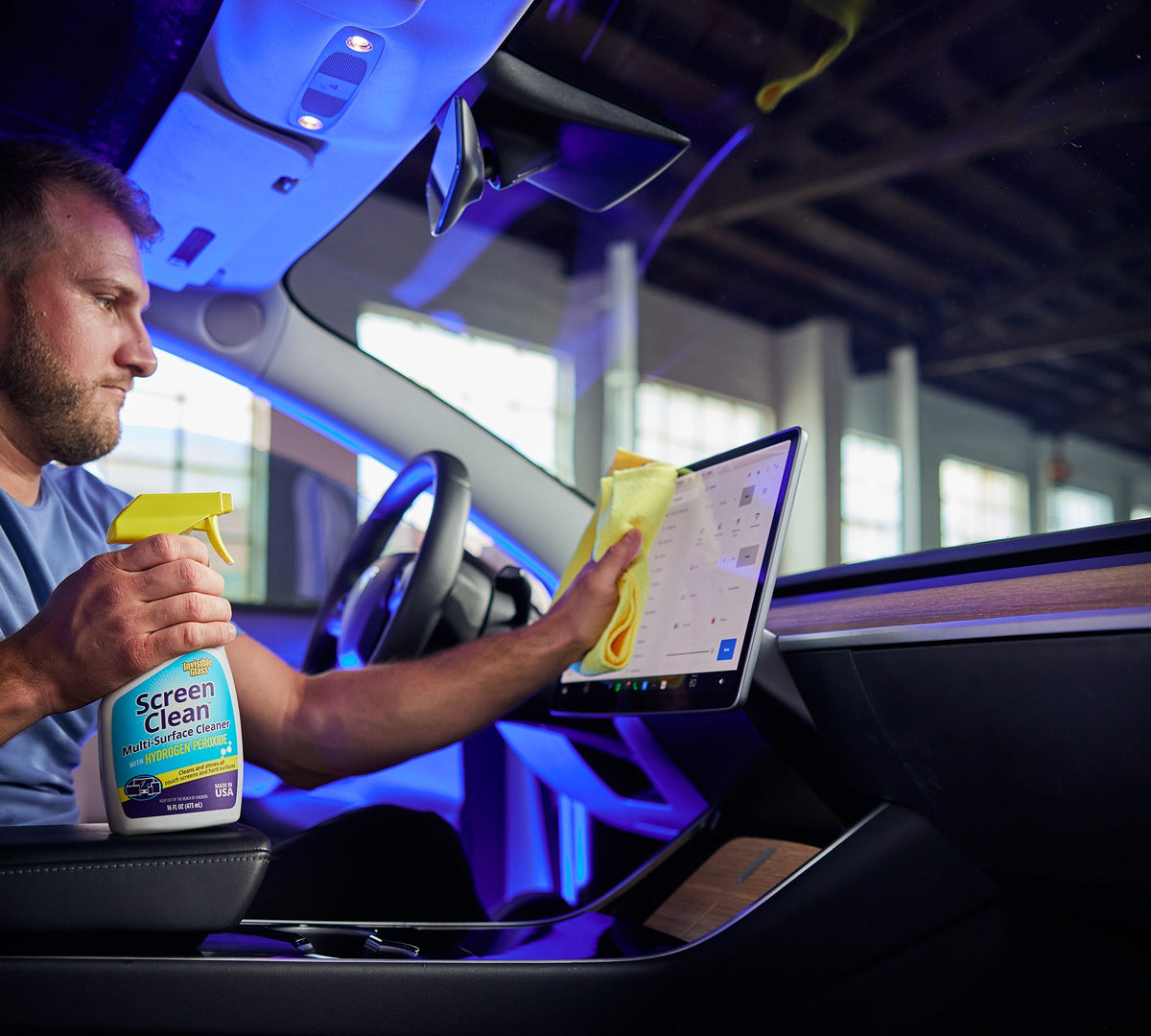
• Apply cleaner to the cloth, not directly to the screen.
• Use light pressure and short strokes.
• Follow the vehicle owner’s manual when it gives special instructions.
What You Need Before Cleaning
Gather the right supplies before you begin. The best tools are gentle, clean, and free from loose grit.
• Two or three clean microfiber cloths
• Distilled water
• A screen-safe cleaner made for electronics or automotive displays
• A small air blower, if available
• A soft detailing brush for seams and buttons
• A dry towel for nearby trim
Avoid using the same cloth for the screen and the rest of the dashboard. A cloth used on dusty plastic may hold sand or grit. That grit can act like fine sandpaper on the display.
Distilled water is useful because it contains fewer minerals than tap water. It can reduce water spots, though it may not remove heavy oil by itself. If you use a commercial cleaner, check the label and your owner’s manual first.
Never use paper towels, tissues, napkins, rough shop rags, or old clothing. These materials may leave lint or create tiny scratches over time.

How to Clean Car Screen Display Safely
Follow these steps for a clean screen without damaging the surface.
1. Turn the screen off
Switch off the vehicle and let the screen go dark. If possible, wait a few minutes for it to cool.
A dark screen makes fingerprints and smudges easier to see. A cool surface also reduces the chance that cleaner will dry too fast and leave streaks.
Make sure the vehicle is parked in a safe place. Do not clean the display while driving or while the car is moving.
2. Remove loose dust
Use a clean, dry microfiber cloth or a gentle air blower to remove dust. Do not press hard during this first pass.
Loose grit is the main scratch risk. If you rub it into the glass, you may create marks that are difficult or impossible to remove.
For dust around the edges, use a soft brush. Keep the brush clean and avoid pushing debris into the gaps around the screen.
3. Dampen the cloth
Add a small amount of distilled water or screen-safe cleaner to the microfiber cloth. The cloth should be slightly damp, not wet.
Never spray liquid directly onto the display. Fluid can run into the screen edge, speaker opening, button gap, or dashboard electronics.
This is one of the most important rules when learning how to clean car screen display surfaces. A little moisture on the cloth is enough.
4. Wipe with light pressure
Wipe the screen with slow, straight passes. You can work from top to bottom or from one side to the other.
Do not scrub one dirty spot with force. If a mark remains, dampen the cloth slightly and give it another gentle pass. Heavy pressure can spread oil and may damage the screen coating.
Use a second dry microfiber cloth to remove moisture and streaks. Check the screen from several angles before turning the system back on.
5. Clean the edges last
After the main screen is clean, wipe the surrounding trim. Use a separate cloth for the dashboard and buttons.
If dirt sits in a seam, use a soft, dry brush. Do not push a wet cloth into the gap. This small step helps prevent liquid from reaching sensitive electronics.

The Best Cleaner for a Car Touchscreen
The safest cleaner depends on the screen maker and the vehicle model. In many cases, distilled water on a clean microfiber cloth is the lowest-risk option.
For oily fingerprints, choose a cleaner labeled for:
• LCD screens
• Touchscreens
• Electronics
• Automotive infotainment displays
Read the product label before use. Some cleaners contain ingredients that may harm anti-glare or anti-fingerprint coatings.
Avoid these products unless your owner’s manual clearly approves them:
• Glass cleaner with ammonia
• Household window spray
• Alcohol-heavy cleaners
• Bleach
• Disinfectant wipes
• Abrasive cream
• Furniture polish
• Wax or dashboard shine products
• Acetone or nail polish remover
A product can be safe for a home window but unsafe for a car touchscreen. Automotive displays may use coatings that are more sensitive than ordinary glass.
If you are unsure, test the cleaner on a hidden part of the trim first. This test cannot guarantee screen safety, but it may reveal whether the product leaves stains or discoloration.
How to Remove Fingerprints and Grease
Fingerprints are usually made of skin oil, sweat, and dust. They often need a little more care than dry dust.
Start with a dry microfiber cloth. Many fresh marks will disappear without cleaner. If the grease remains, lightly dampen one corner of the cloth with distilled water or a screen-safe solution.
Wipe in small sections. Turn the cloth to a clean side as it collects oil. A dirty cloth can simply move the grease around.
For stubborn marks, let the damp cloth rest over the spot for a few seconds. Do not press hard or scrape the surface with a fingernail, card, or plastic tool.
This gentle method is a key part of how to clean car screen display surfaces without wearing down the protective finish.

How to Clean Around Buttons and Screen Seams
Dirt often gathers where the display meets the dashboard. It can also collect around knobs, microphone holes, and physical buttons.
Use a dry, soft brush to loosen debris. A clean cotton swab may help with tight areas, but keep it dry and use very little pressure.
Do not pour or spray cleaner near these areas. Even a small amount of liquid can travel through a seam by capillary action, much like water moving through a thin straw.
If the screen has a removable protective film, do not lift its edges unless the manufacturer tells you to. Peeling the film can trap dust and expose the display to scratches.

Common Mistakes to Avoid
Many screen problems happen because people clean the display like a household window. A vehicle touchscreen needs a gentler method.
Avoid these common mistakes:
• Spraying cleaner straight onto the screen
• Cleaning with a paper towel
• Using a dirty or gritty microfiber cloth
• Scrubbing with strong pressure
• Cleaning in direct sun
• Using hot water
• Scraping off dried spots
• Applying dashboard dressing to the display
• Wiping while the screen is warm
• Using disinfectant wipes without checking compatibility
One mistake seen often in car detailing is using one cloth for every surface. Dashboard dust, sand, and dried cleaner can remain in the fibers. Keep a dedicated screen cloth in the glove box instead.
Another mistake is cleaning too often with strong chemicals. Daily dust removal is fine, but repeated use of harsh cleaners may slowly dull the coating.

How Often Should You Clean a Car Screen?
Most drivers can clean the screen once a week or whenever fingerprints become distracting. Drivers who use the touchscreen often may need to wipe it more frequently.
A simple schedule works well:
• Daily: Remove visible fingerprints with a dry microfiber cloth.
• Weekly: Perform a gentle damp wipe.
• Monthly: Clean the edges, nearby buttons, and dashboard trim.
• After spills: Clean the area as soon as the vehicle is safely parked.
Do not clean by habit with a wet cloth if the screen already looks clear. Too much rubbing creates more wear than necessary.
If several people use the vehicle, fingerprints may build up faster. Families, rideshare drivers, and delivery workers may benefit from keeping two clean microfiber cloths in the car.
How to Protect the Display After Cleaning
Cleaning removes dirt, but good habits reduce future buildup. Ask passengers to avoid touching the screen with wet or greasy hands when possible.
You can also reduce marks by using steering wheel controls or voice commands for common tasks. This limits contact with the display and may make driving more convenient.
A screen protector designed for your exact vehicle may help prevent scratches. Choose a product made for automotive touchscreens, and install it in a clean, dust-free place.
Check the fit before applying it. A poor-quality protector can reduce touch sensitivity, add glare, or trap bubbles near the edges.
Sunlight and heat can also affect interior materials. Parking in shade or using a windshield sunshade may reduce heat exposure, though it will not replace proper cleaning.
What to Do If the Screen Looks Cloudy or Scratched
A cloudy appearance may come from fingerprints, cleaner residue, moisture, or a damaged coating. First, wipe the screen with a clean, dry microfiber cloth.
If the haze remains, use only a manufacturer-approved screen cleaner. Do not polish the display with automotive compound. Polishing may remove the anti-glare layer and create a larger damaged area.
Small scratches usually cannot be safely removed at home. Abrasive methods may make the screen smoother in one spot but permanently damage its coating.
Contact a qualified dealer or automotive electronics technician if you notice:
• Cracks
• Black spots
• Flickering
• Touch areas that do not respond
• Moisture behind the screen
• A coating that is peeling
• Lines or color changes
A cleaning problem and an electrical problem can look similar. Professional inspection is safer when the display shows symptoms beyond dirt.
A Simple Real-World Cleaning Routine
A practical routine takes less than five minutes. Park the car, turn off the display, and let it cool.
Use a dry microfiber cloth to remove dust. Then use a second cloth with a small amount of distilled water or approved cleaner. Wipe gently, dry the screen, and inspect it under different lighting.
In real-world detailing, the biggest lesson is that patience works better than force. Most marks are surface film, not stains that need aggressive scrubbing.
Keep the cloth in a sealed bag or clean container. This prevents it from collecting sand inside the glove box. Replace it when the fibers become rough, oily, or visibly dirty.
Frequently Asked Questions About How to Clean Car Screen Display
Can I use glass cleaner on my car touchscreen?
Do not use glass cleaner unless your vehicle manual or screen manufacturer approves it. Many glass cleaners contain ammonia or other ingredients that can damage anti-glare and anti-fingerprint coatings.
Is rubbing alcohol safe for a car screen?
Rubbing alcohol may damage certain screen coatings, especially with repeated use or high concentration. Use it only when the manufacturer specifically recommends it.
Can I use Windex on my car display?
It is usually safer to avoid household window cleaners on automotive displays. Use distilled water or a cleaner labeled for electronic or automotive screens instead.
Should I spray cleaner directly on the screen?
No. Spray the cleaner onto a microfiber cloth, then wipe the display lightly. Direct spraying can allow liquid to enter seams, buttons, speakers, or electronic components.
What is the best cloth for cleaning a car screen?
A clean, soft, lint-free microfiber cloth is the best choice for most displays. Keep a separate cloth for the screen so dust and grit from the dashboard do not cause scratches.
How do I remove stubborn fingerprints from a touchscreen?
Start with a dry microfiber cloth, then use a slightly damp corner of the cloth if needed. Avoid scrubbing, fingernails, paper towels, and abrasive cleaners.
Can I clean the screen while it is turned on?
You can, but turning it off is better. A dark, cool screen makes smudges easier to see and lowers the risk of streaks or accidental commands.
Conclusion
Learning how to clean car screen display surfaces is easy when you use the right method: turn the screen off, remove loose dust, use a clean microfiber cloth, and apply only a small amount of approved cleaner. Avoid direct sprays, harsh chemicals, paper towels, and heavy pressure.
Treat the display like a delicate pair of glasses rather than a dirty window. Keep a dedicated cloth in the car, clean spills quickly, and check your owner’s manual for special care instructions. Try this routine during your next car wash, and share your best screen-care tip with other drivers.